An honest look at Tricount and the apps that can replace it
Looking for a Tricount alternative? What changed after bunq, what Tricount still does well, and when Half Tab suits your trip or flat better.
Tricount has been a favourite for group trips in Europe for years, and it is still a good app. People look for a Tricount alternative for a few reasons: the app now sits inside a bank’s world, some features disappeared with the new version, or the group wants a language Tricount does not offer.
Half Tab is our app, so keep that in mind. Everything we say about Tricount comes from its own website, help center, terms or App Store listing, checked in October 2026 and linked below. Apps change, so check again before you choose.
What changed at Tricount
It belongs to a bank. Tricount’s terms of use say the website and app are owned and operated by bunq B.V. The features page offers connecting a bunq card to add shared purchases automatically, plus an optional paid travel eSIM provided by bunq.
Premium is gone, and some features went with it. According to the help article What happened to tricount Premium?, Premium was discontinued with the new app. Export to CSV and PDF, Personal mode, statistics and saved custom splits are no longer available. The article says statistics and custom splits are planned for a future update.
It is fully free. The Tricount home page says “No ads” and “No limits”, and the App Store listing says there is no subscription and no limit on tricounts or expenses.
What Tricount does well
On its features page, Tricount lists custom splits where you set each person’s share, offline tracking that syncs later, costs in different currencies with the trip total in one currency, payment requests, suggested repayments when you settle, and an importer for Splitwise groups. Its App Store listing shows 37 languages, and the home page says it is available on iOS and Android. You can try it without signing up, according to the home page.
That is a strong free offer. If your group is happy with it, there is no need to switch.
Half Tab and Tricount at a glance
| Half Tab | Tricount | |
|---|---|---|
| Price | Free, optional Pro | Free |
| Expense limit | None | None |
| Account to start | Not needed | Not needed to try |
| Offline | Yes, groups live on your phone | Yes, syncs when back online |
| Split modes | Equally, exact amounts, shares, percentage | Equal and custom shares |
| Group summary export | Free PDF summary | Removed from the app |
| One to one lending ledger | Personal tab | Personal mode removed |
| App languages | 21 | 37 on the App Store |
| Currencies | 9, one per group | Multiple, totals in one currency |
| Shared group, everyone adds | Pro | Free |
| Platforms | iPhone and iPad | iOS and Android |
| Bank links | None | bunq card and account |
Shares and percentages, with numbers
Tricount lets you set each person’s share. Half Tab has four named modes: equally, exact amounts, shares and percentage. Here is a holiday house for three nights that cost 900, shared by a couple, Maya and Leo, and two friends, Sam and Ana, each in their own room. The fair split is by room, so the couple counts as 2 shares and each friend as 1.
| Person | Shares | Amount |
|---|---|---|
| Maya and Leo | 2 | 450 |
| Sam | 1 | 225 |
| Ana | 1 | 225 |
| Total | 4 | 900 |
The arithmetic: 900 ÷ 4 shares = 225 per share. The couple pays 2 × 225 = 450, and 450 + 225 + 225 = 900.
Now the same house split by percentage, because Ana’s room has its own bathroom and the group agreed she pays 30%:
| Person | Percentage | Amount |
|---|---|---|
| Maya and Leo | 50% | 450 |
| Sam | 20% | 180 |
| Ana | 30% | 270 |
| Total | 100% | 900 |
Check: 450 + 180 + 270 = 900. When an amount does not divide evenly, Half Tab keeps every share adding up to the bill, to the last cent.
When Half Tab is the better choice
- You want a PDF at the end. Half Tab makes a PDF summary of a group for free, which is handy for a trip report or a work reimbursement.
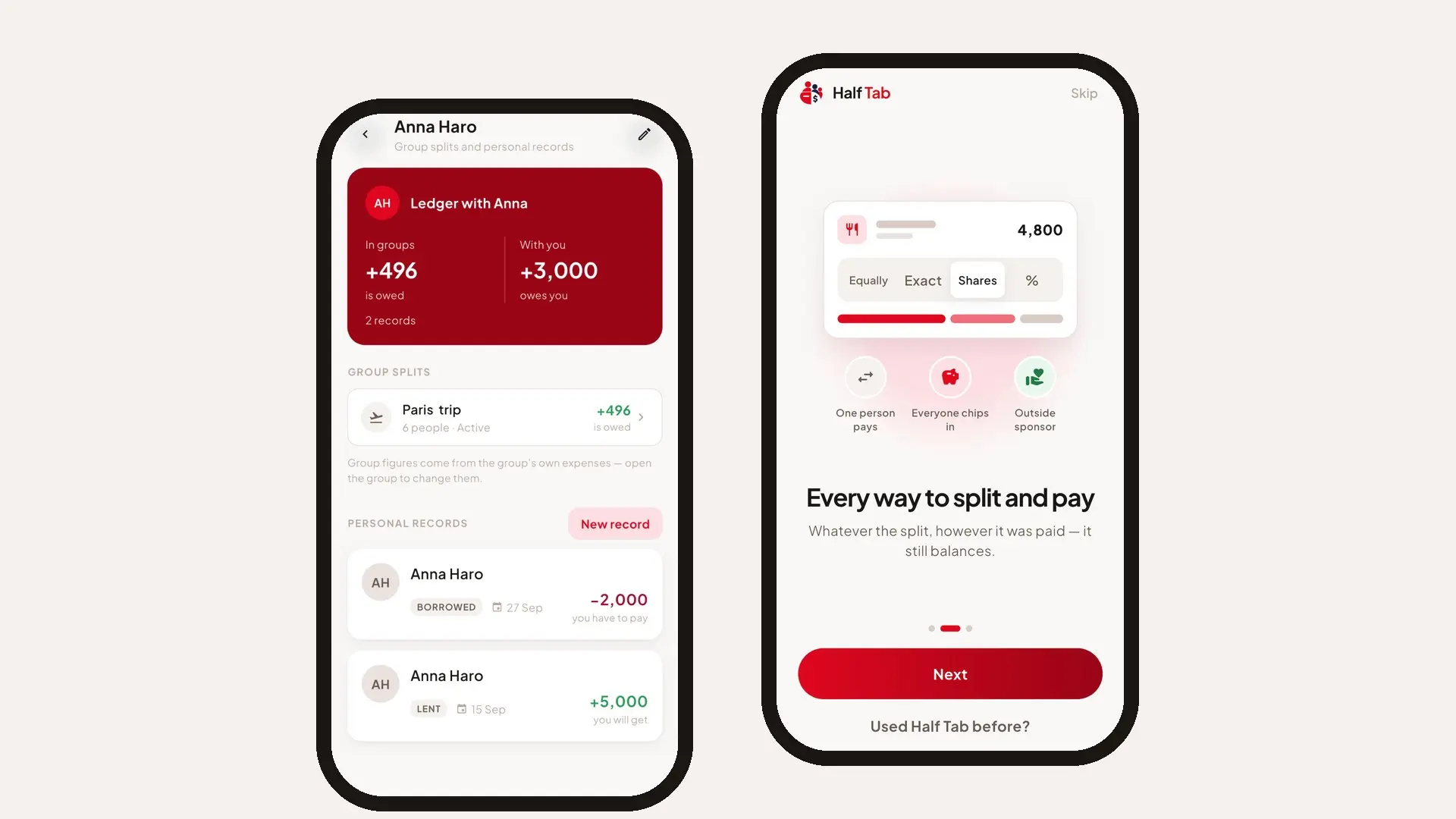
- You lend money one to one. Tricount’s Personal mode is gone. Half Tab’s Personal tab records “I lent” or “I borrowed” with one person from your circle, with an optional photo as proof, and shows it next to that person’s group splits. See how to keep track of money you lend.
- The group pays in different ways. Half Tab records one person paying, a kitty everyone chips into, or an outside sponsor covering part of a bill.
- You would rather keep your splitting app away from a bank. Half Tab does not send or receive money and has no bank or card links.
- Your group reads a language Tricount’s listing does not show. Half Tab speaks Japanese, Korean, Vietnamese, Bengali, Urdu, Tamil, Telugu, Marathi, Nepali and Swahili, along with 11 others. The bill splitter app in your language guide lists all 21.
When Tricount is the better choice
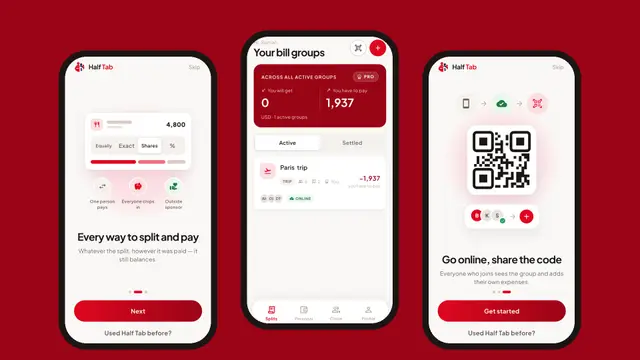
- Everyone wants to add expenses from their own phone, for free. In Half Tab, putting a group online so friends join by QR code or link is part of Pro. Without Pro, one person keeps the group on their phone.
- You mix many currencies on one trip. Each Half Tab group has one currency from 9 (NPR, INR, USD, EUR, GBP, AED, AUD, JPY, QAR), with no conversion.
- Someone in the group uses Android. Half Tab is on iPhone and iPad.
- You bank with bunq. Adding card payments as expenses automatically saves real typing.
- You are moving from Splitwise. Tricount can import Splitwise groups. Half Tab cannot.
How to switch from Tricount to Half Tab
- Settle up your open tricounts so every balance is zero.
- Open Half Tab, make a group for the next trip or flat and choose its currency.
- Add people from your contacts or by name. They do not need the app.
- Add expenses as they happen, settle up with the fewest payments, then share the PDF.
Not ready for an app at all? The free split bill calculator splits a single bill in your browser. Comparing more options? Read our Splitwise alternative guide and the best bill splitting apps compared.
Frequently asked questions
Is Tricount still free?
Yes. Tricount's own site and App Store listing say it is free, with no ads, no subscription and no limit on tricounts or expenses. Its help center says the old Tricount Premium subscription was discontinued with the new app.
Who owns Tricount?
Tricount's terms of use say the tricount website and app are owned and operated by bunq B.V., the Dutch bank. The app links to bunq features such as adding bunq card payments as expenses.
Can I export my Tricount to PDF or CSV?
Not from the app any more. Tricount's help center lists export to CSV and PDF among the Premium features removed in the new app. Half Tab gives you a free PDF summary of every group.
What is the best Tricount alternative for a group that is not on the same app?
If one person is happy to keep the books, Half Tab works well: friends are added by name and do not need the app or an account. If everyone wants to add expenses from their own phone for free, Tricount itself or Splitwise may suit the group better.