The best bill splitting apps compared
Compare the best apps that split the bill in 2026: Half Tab, Splitwise, Tricount, Settle Up and Splid, on free plan limits, sign-up and offline use.
There are dozens of apps that split the bill, and most of them do the basic job well: you add what people spent and the app tells you who owes whom. The differences are in the details that matter on a real trip: daily limits, whether everyone needs an account, and whether the app works with no signal.
A quick disclosure: Half Tab is our app. We have tried to be fair. Everything we say about other apps comes from their own websites, help pages or app store listings as of October 2026. Plans and prices change, so check before you choose.
Bill splitting apps at a glance
| App | Free to use | Paid upgrade | Stand-out strength |
|---|---|---|---|
| Half Tab | Yes, no expense limit | Pro, to share groups online | Works offline with no account, 21 languages |
| Splitwise | Yes, up to 4 new expenses a day | Splitwise Pro | The best known, with lots of features |
| Tricount | Yes | None needed for core use | Free with no ads or limits, owned by bunq |
| Settle Up | Yes | Premium plans | Works offline and syncs later |
| Splid | Yes, no sign-up | One-time purchases | Quick offline groups |
1. Half Tab
Half Tab is a bill splitter app built around one idea: your groups should work anywhere, for anyone, without making everyone sign up first.
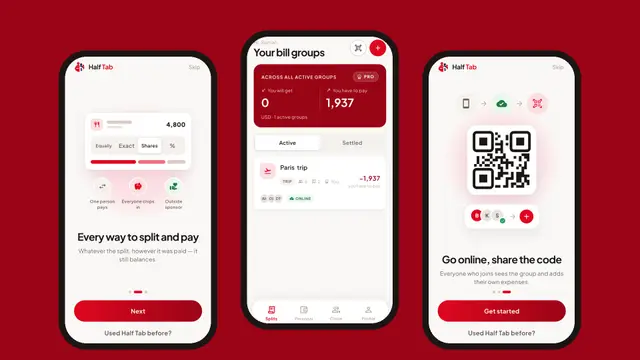
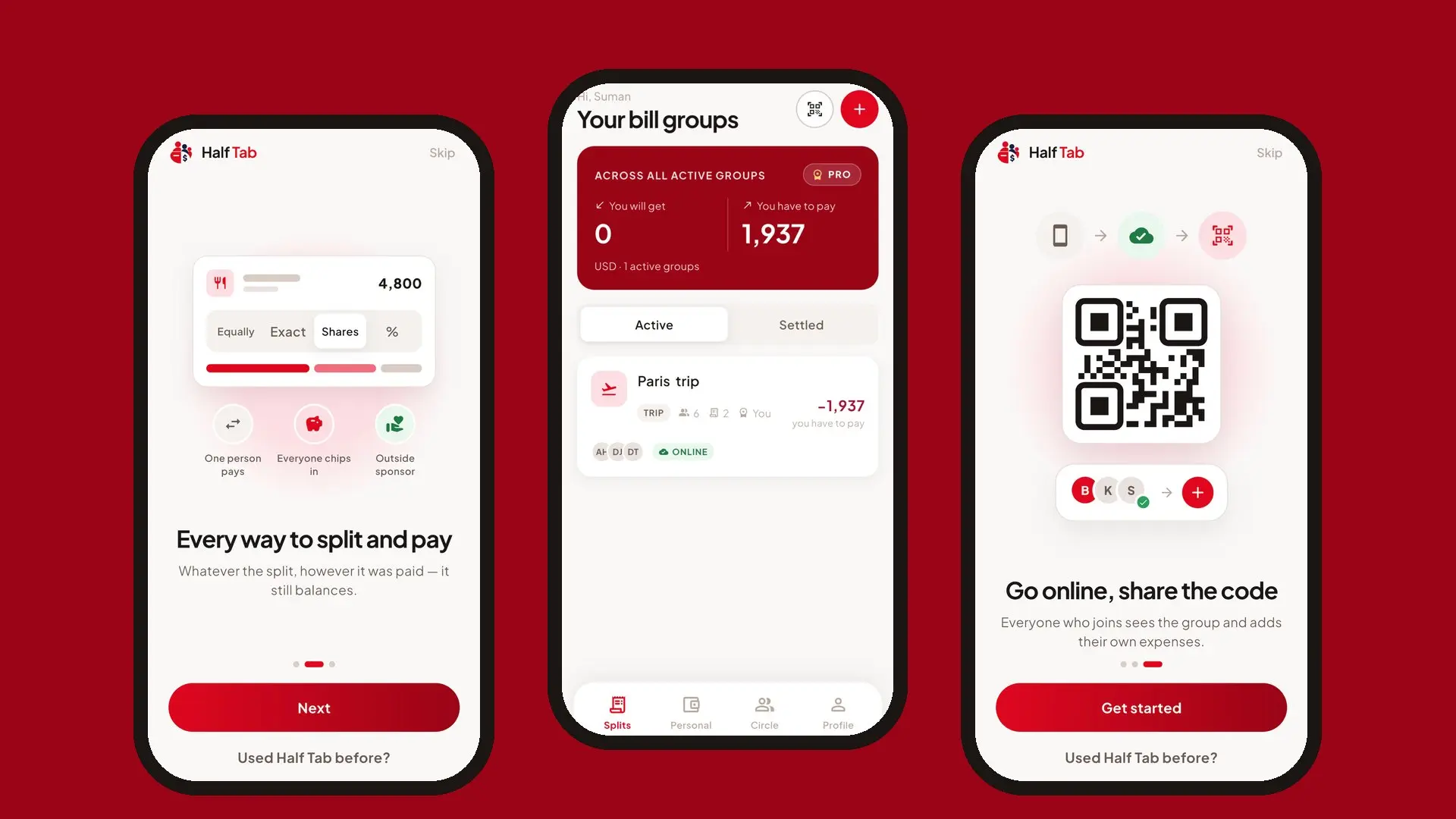
- Four ways to split: equally, by exact amounts, by shares or by percentage, and you can leave out anyone who was not part of a bill.
- Settles in few payments: it matches the biggest debts to the biggest credits, so a group of eight never needs more than seven transfers, however many expenses there were.
- Works offline, no account needed: groups live on your phone first. Add expenses on a plane or a hiking trail.
- Payments the way groups really pay: one person pays, everyone chips in to a kitty, or an outside sponsor (like an employer) covers part of it.
- Share when you want to: with Half Tab Pro, put a group online and friends join by QR code or invite link.
- PDF summary and CSV export, in 21 languages including Bahasa Indonesia, Hindi, Japanese, Chinese and Arabic.
Best for: trips, flats and friend groups across different countries and languages. Half Tab is on the App Store for iPhone and iPad.
2. Splitwise
Splitwise is the name most people know, and it is packed with features. The catch is the free plan: according to the Splitwise help center, free users can add up to 4 expenses each day, while Pro adds unlimited expenses, receipt scanning and currency conversion.
Best for: people who want a mature app and are happy to pay for Pro, or who add only a few expenses a day.
3. Tricount
Tricount is popular across Europe and is owned by the Dutch bank bunq. Its help center says the app is free, with no ads and no limits, and its feature page says you can add expenses offline and sync later.
Best for: groups who want a free, ad-free app and do not mind that it sits within a bank’s ecosystem.
4. Settle Up
Settle Up works on Android, iPhone and the web, works offline and syncs when you are back online. Friends can view a group in a browser without installing anything. Premium plans remove ads and add extras.
Best for: mixed groups where some people will never install an app.
5. Splid
Splid keeps things light: no sign-up, offline groups and simple summaries, with optional one-time purchases for extras such as exports.
Best for: people who want something quick for one trip.
Payment apps are not the same thing
Payment apps and mobile wallets can send money and request money from friends, and some have their own “split bill” button. They work best for a single bill when everyone uses the same app. They do not keep a running balance across a whole trip or a year of shared rent, which is what a bill splitting app is for. Many groups use both: the splitting app works out who pays whom, and the payment app moves the money.
How to choose
Ask three questions:
- Will everyone install it? If not, pick an app where one person can run the group, like Half Tab, or one with web access, like Settle Up.
- Will you have signal? On trips, offline support is not optional.
- How many expenses will you add? A busy trip easily passes four expenses a day.
For a single dinner you do not need an app at all. Use the free split bill calculator instead.
Frequently asked questions
What is the best app to split bills with friends?
It depends on what you need. Half Tab suits people who want offline use, no account and 21 languages. Splitwise is the best known. Tricount and Splid are popular in Europe. All of them work out who owes whom.
Is there a free app that splits the bill?
Yes. Half Tab, Tricount, Settle Up and Splid can all be used for free, and Splitwise has a free plan with a daily limit on new expenses. Paid upgrades add things like syncing, unlimited expenses or exports.
Is there a Splitwise alternative with no daily expense limit?
Yes. Splitwise's free plan allows up to 4 new expenses a day, according to its help center. Half Tab has no limit on how many expenses you add, and neither does Tricount.
Do bill splitting apps send money?
Most do not. Apps like Half Tab, Splitwise and Splid record who paid and who owes, then show who should pay whom. You still pay each other with cash, a bank transfer or a payment app.